Advanced 3D Printers, Mills, and Services
Get Your Parts Fast
3D PRINTING SERVICES
Purple Porcupine is your premier source for product development services. From the design stage to prototyping to manufacturing, you can depend on our team to provide exceptional solutions that will bring your next big idea to reality.
3D Printing Services
From draft-concept iterations to functional models, we can help.
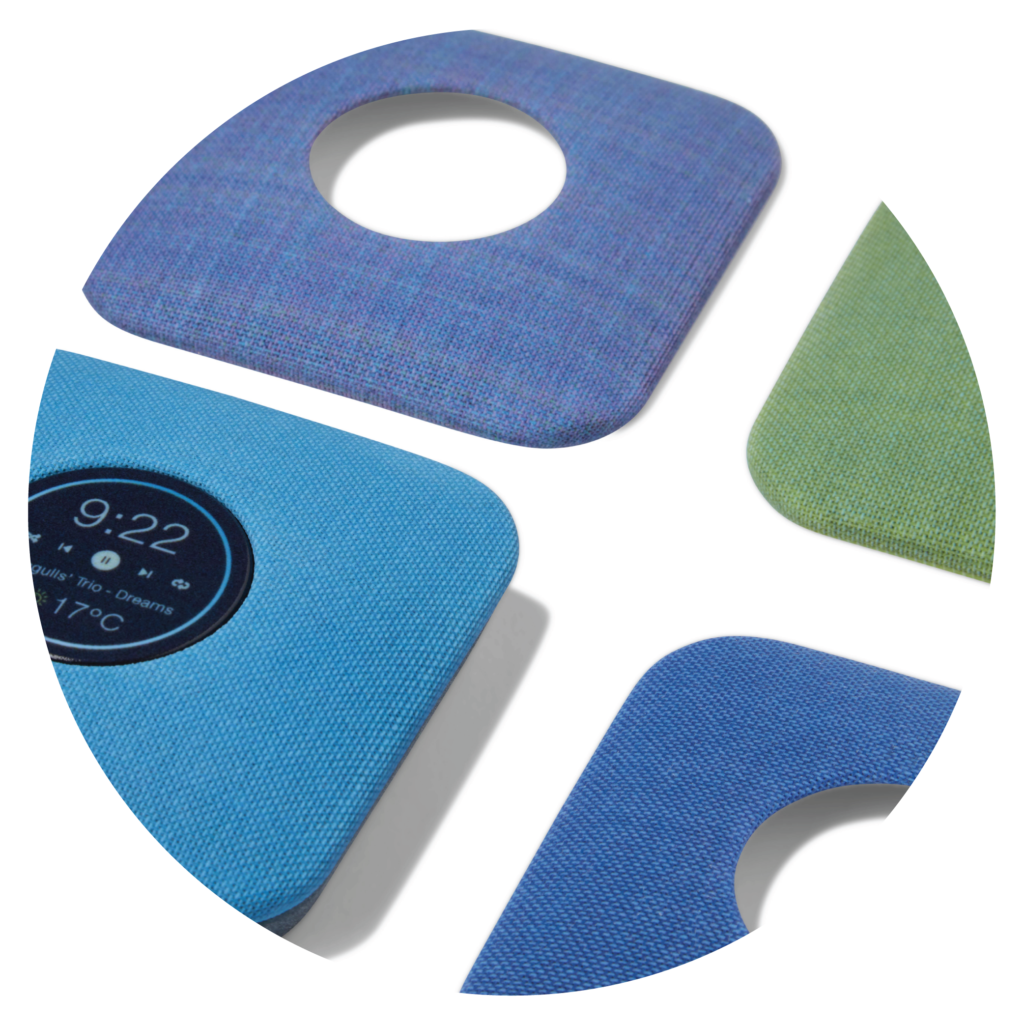
With an astounding 650,000+ color combinations, Pantone Validated Colors, and multi-material capability, you can design without limits. Create prototypes that look, feel, and operate like finished parts.
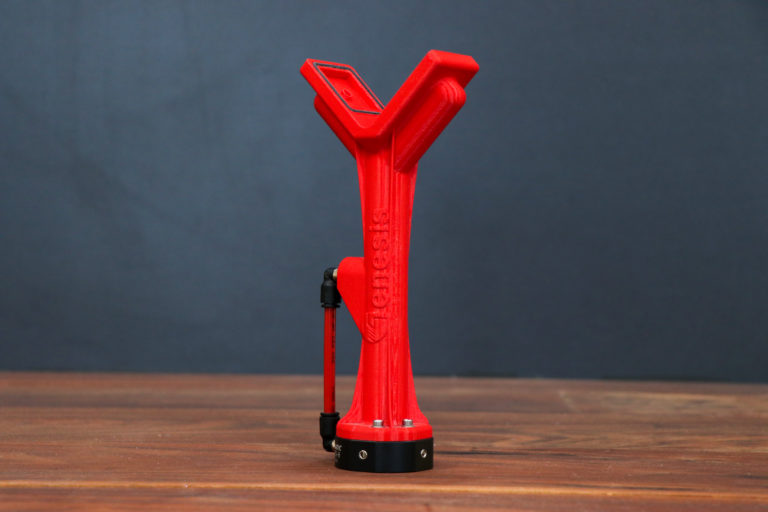
From functional prototypes with exacting tolerances to manufacturing tools that perform under pressure, our experts at Purple Porcupine can help you make durable parts in FDM thermoplastic materials.
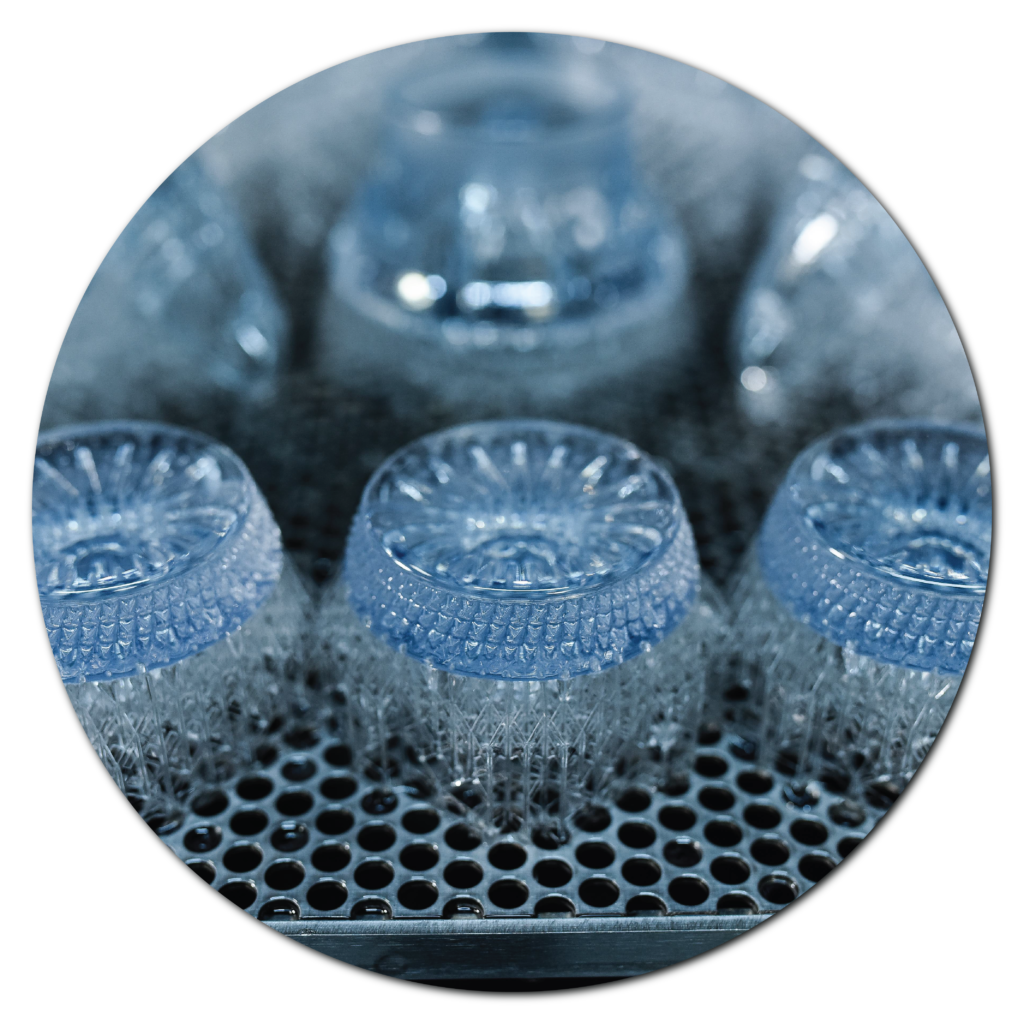
Create prototypes that have complex shapes and a high degree of precision within a quick finishing time. Print with a wider option of materials using the open resin system.
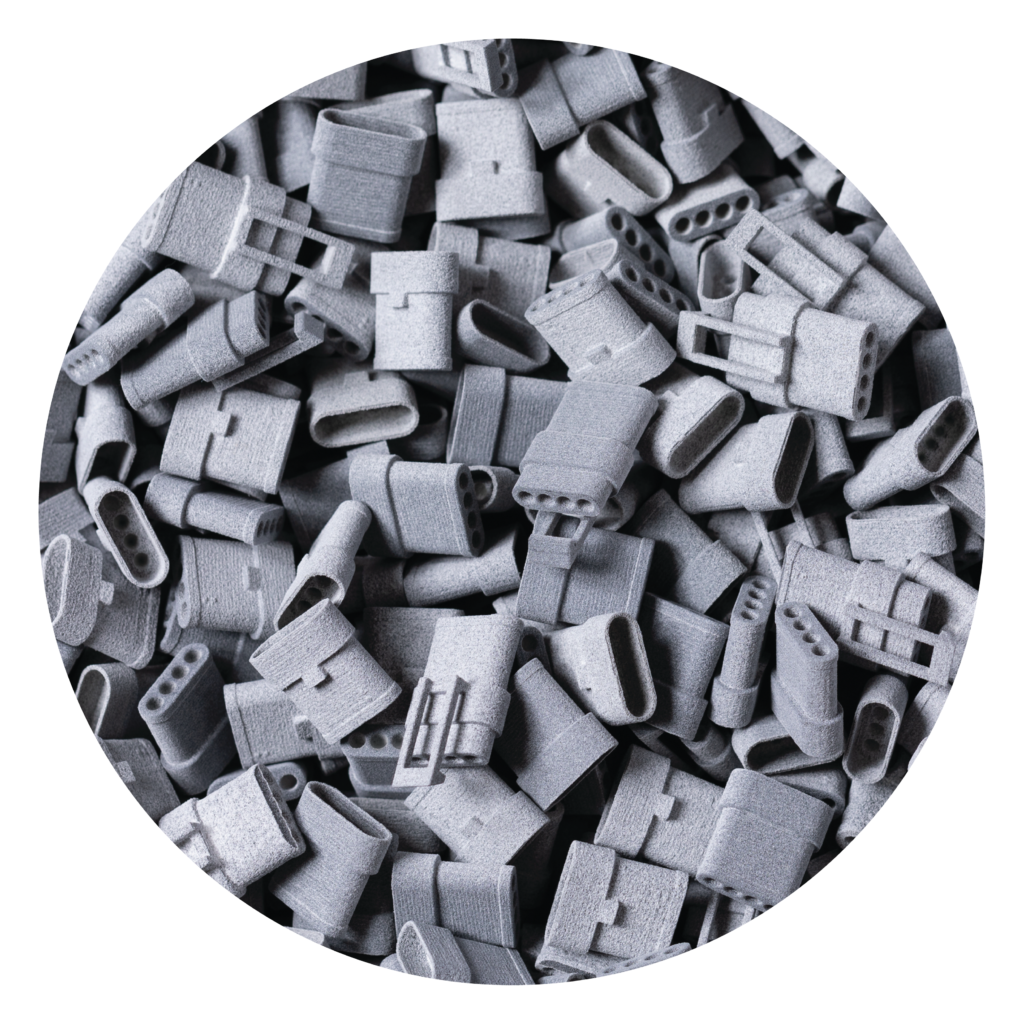
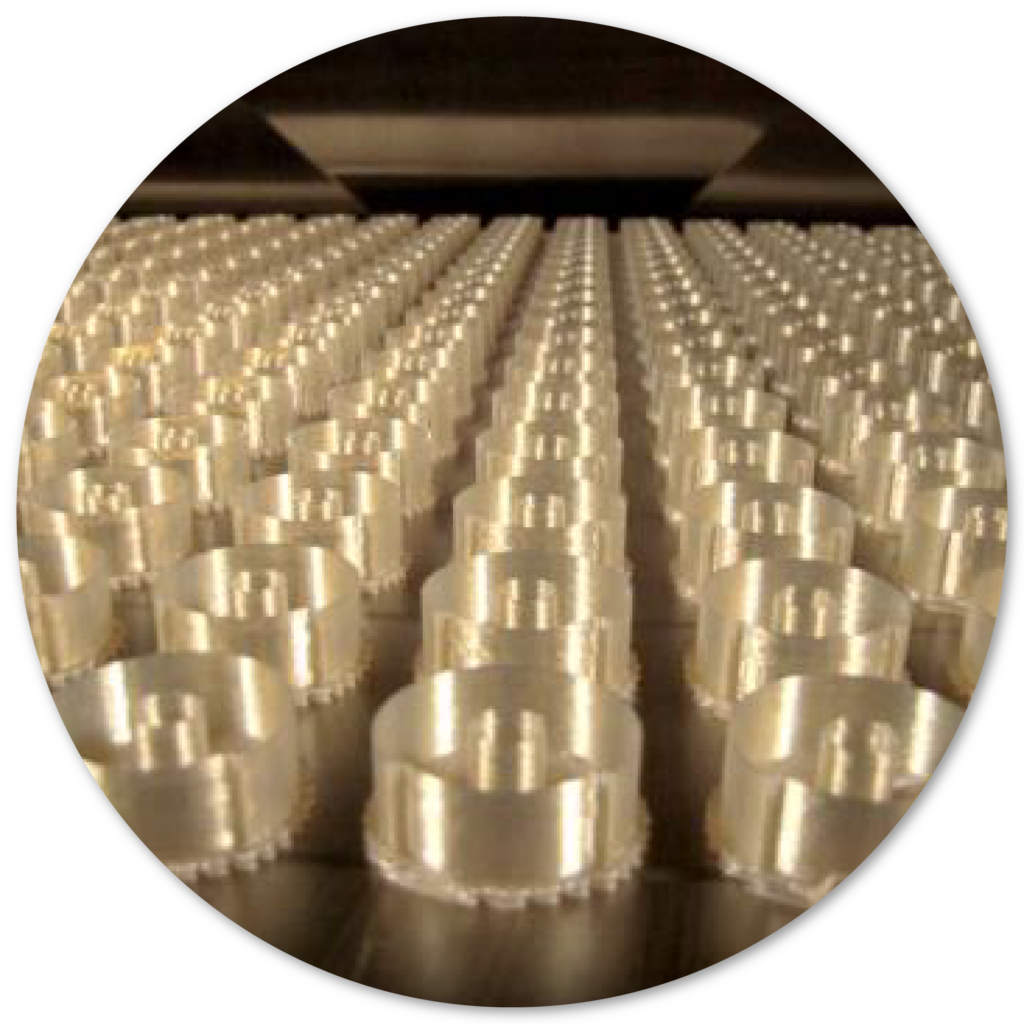
Perfect for low-volume production, Multi Jet Fusion technology provides repeatability, dimensional stability, and is perfect for multiple applications that require high-stiffness.
Expert Rapid Prototyping
EXPLORE YOUR OPTIONS
No matter what industry you come from, rapid prototyping is changing the way business is done. Through highly accurate, cost-effective and time-efficient processes, 3D rapid prototypes can be created in mere days.
Our 3D CAD design services are the first step in bringing your product design to life. Having a 3D CAD file ready will advance you to the next stage of your design process: Prototyping. Our knowledgeable team of CAD engineers draw from their substantial experience and utilize the industry’s top engineering tools to refine and optimize product designs for manufacturing, ergonomics, and aesthetics.
We utilize our eviXscan scanners to provide the highest quality services around. Receive exceptional and highly-detailed models of your object quickly, allowing ease in reverse engineering.
Our RTV tooling and cast urethane services are perfect for projects that require low to medium volume production and for validating design features and assembly conditions.
Give your work space new dimension and stand out amongst other businesses by using custom 3D printed mosaic art. Our full-production service includes mosaic development, a proof for client approval, 3D print production, and installation. From start to finish, you can expect exceptional service from our production team.
Request A Quote
At Purple Porcupine, you can depend on our 3D printing & rapid prototyping services to be exceptional, and our 3D printed models to hold tight tolerances with premium finishes. We use only the best of rapid prototyping technologies that will provide optimal solutions that can change the way you design and create products.